> ## Documentation Index
> Fetch the complete documentation index at: https://docs.zopio.dev/llms.txt
> Use this file to discover all available pages before exploring further.
# Testing
> How we've configured testing in `zopio`.
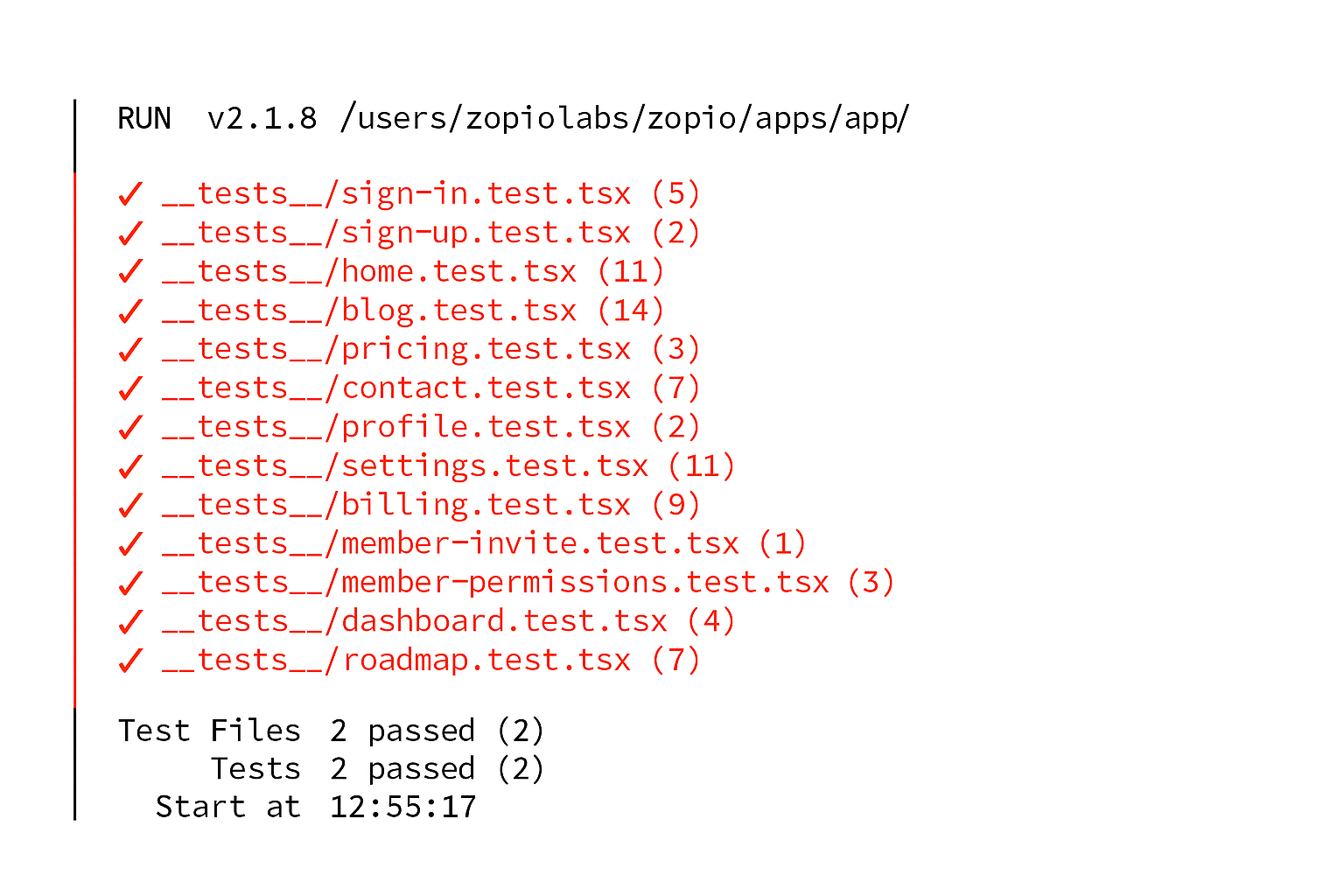 `zopio` uses [Vitest](https://vitest.dev/) for unit testing. It's a fast and lightweight testing framework that's compatible with Jest's API. Unit tests are run automatically as part of the `build` task in Turborepo.
## Running Tests
To run tests, simply execute:
```sh Terminal theme={"system"}
pnpm test
```
This will run all tests in the `__tests__` folder in each app, however we've only written a couple of tests for `app` project so far.
## Adding Tests
We use [Testing Library](https://testing-library.com/) for our tests. It's a great library that allows you to test your components in a way that's close to how a user would interact with them.
In the `__tests__` folder, create a new file called `[page].test.tsx` (where `[page]` is the name of the page you want to test). Here's an example of a test for the `home` page:
```tsx apps/app/__tests__/home.test.tsx theme={"system"}
import { render, screen } from '@testing-library/react';
import { expect, test } from 'vitest';
import Page from '../app/(unauthenticated)/home/page';
test('Home Page', () => {
render();
expect(
screen.getByRole('heading', {
level: 1,
name: 'Hello, world!',
})
).toBeDefined();
});
```
## Adding Vitest to other apps
To add Vitest to another app, you'll need to install the dependencies:
```sh Terminal theme={"system"}
pnpm install -D vitest @testing-library/react @testing-library/dom --filter [app]
```
as well as adding the `@repo/testing` package to the `devDependencies` section of the `package.json` file:
```json apps/[app]/package.json {2} theme={"system"}
"devDependencies": {
"@repo/testing": "workspace:*"
}
```
Create a new file called `vitest.config.ts` in the root of the app and add the following:
```ts apps/[app]/vitest.config.ts theme={"system"}
export { default } from '@repo/testing';
```
Then, create a new file in the `__tests__` folder in the relevant app and add a `test` command to the `package.json` file:
```json apps/[app]/package.json {3} theme={"system"}
{
"scripts": {
"test": "vitest"
}
}
```
Turborepo will automatically pick up on the new `test` script and run the tests.
Then, just follow the instructions above to write tests.
`zopio` uses [Vitest](https://vitest.dev/) for unit testing. It's a fast and lightweight testing framework that's compatible with Jest's API. Unit tests are run automatically as part of the `build` task in Turborepo.
## Running Tests
To run tests, simply execute:
```sh Terminal theme={"system"}
pnpm test
```
This will run all tests in the `__tests__` folder in each app, however we've only written a couple of tests for `app` project so far.
## Adding Tests
We use [Testing Library](https://testing-library.com/) for our tests. It's a great library that allows you to test your components in a way that's close to how a user would interact with them.
In the `__tests__` folder, create a new file called `[page].test.tsx` (where `[page]` is the name of the page you want to test). Here's an example of a test for the `home` page:
```tsx apps/app/__tests__/home.test.tsx theme={"system"}
import { render, screen } from '@testing-library/react';
import { expect, test } from 'vitest';
import Page from '../app/(unauthenticated)/home/page';
test('Home Page', () => {
render();
expect(
screen.getByRole('heading', {
level: 1,
name: 'Hello, world!',
})
).toBeDefined();
});
```
## Adding Vitest to other apps
To add Vitest to another app, you'll need to install the dependencies:
```sh Terminal theme={"system"}
pnpm install -D vitest @testing-library/react @testing-library/dom --filter [app]
```
as well as adding the `@repo/testing` package to the `devDependencies` section of the `package.json` file:
```json apps/[app]/package.json {2} theme={"system"}
"devDependencies": {
"@repo/testing": "workspace:*"
}
```
Create a new file called `vitest.config.ts` in the root of the app and add the following:
```ts apps/[app]/vitest.config.ts theme={"system"}
export { default } from '@repo/testing';
```
Then, create a new file in the `__tests__` folder in the relevant app and add a `test` command to the `package.json` file:
```json apps/[app]/package.json {3} theme={"system"}
{
"scripts": {
"test": "vitest"
}
}
```
Turborepo will automatically pick up on the new `test` script and run the tests.
Then, just follow the instructions above to write tests.