> ## Documentation Index
> Fetch the complete documentation index at: https://docs.zopio.dev/llms.txt
> Use this file to discover all available pages before exploring further.
# Feature Flags
> Control access to features in your application.
Feature flags (also known as feature toggles) allow you to control access to specific features in your application. `zopio` provides a simple but powerful feature flag system that can be used to:
* Roll out features gradually to users
* A/B test new functionality
* Enable/disable features based on user segments
* Control access to beta or experimental features
## How it works
`zopio` implements feature flags using Vercel's [Flags SDK](https://vercel.com/docs/workflow-collaboration/feature-flags/flags-pattern-nextjs), which is mostly an architectural pattern for working with feature flags. This setup exists in the `@repo/feature-flags` package, so you can import and use it in as many projects as you'd like.
We've created an intelligent function called `createFlag` that you can use to create new flags, complete with authentication, PostHog integration and [Vercel Toolbar](/packages/toolbar) overrides without the hassle.
For `FLAGS_SECRET`, you can run `node -e "console.log(crypto.randomBytes(32).toString('base64url'))"` or `openssl rand -base64 32` in your terminal to generate a random value.
## Adding a new flag
To add a new flag, simply create a feature flag in PostHog and then modify the feature flags index file. Let's add a new flag called `showAnalyticsFeature` that will be enabled for all users:
```ts packages/feature-flags/index.ts {4} theme={"system"}
import { createFlag } from './lib/create-flag';
export const showBetaFeature = createFlag('showBetaFeature');
export const showAnalyticsFeature = createFlag('showAnalyticsFeature');
```
Make sure the key you're using matches the key in PostHog exactly.
## Usage in your application
To use the flag in your application, simply import it from the `@repo/feature-flags` package and use it like a normal boolean value.
```tsx page.tsx theme={"system"}
import { showAnalyticsFeature } from '@repo/feature-flags';
import { notFound } from 'next/navigation';
export default function Page() {
const isEnabled = showAnalyticsFeature();
if (!isEnabled) {
notFound();
}
return Analytics feature is enabled
;
}
```
Because feature flags are tied to the user, they only work if the user is signed in. Otherwise, the flag will always return `false`.
## Overriding flags in development
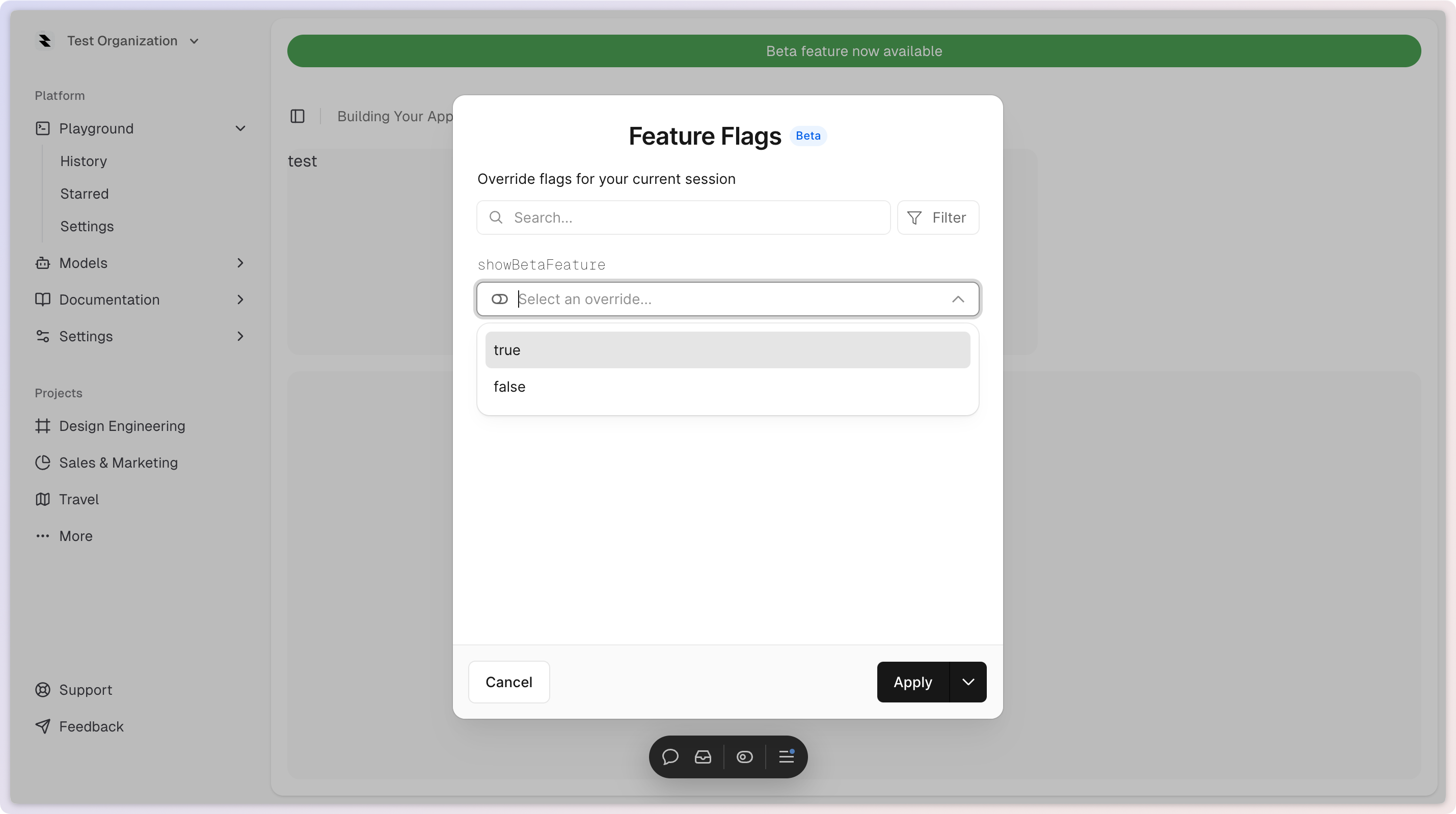
You can override flags in development by using the Vercel Toolbar. Simply open the toolbar by clicking the "Flag" icon in the top right and then selecting the flag you'd like to override.