> ## Documentation Index
> Fetch the complete documentation index at: https://docs.zopio.dev/llms.txt
> Use this file to discover all available pages before exploring further.
# Database
> How the database and ORM are configured in `zopio`.
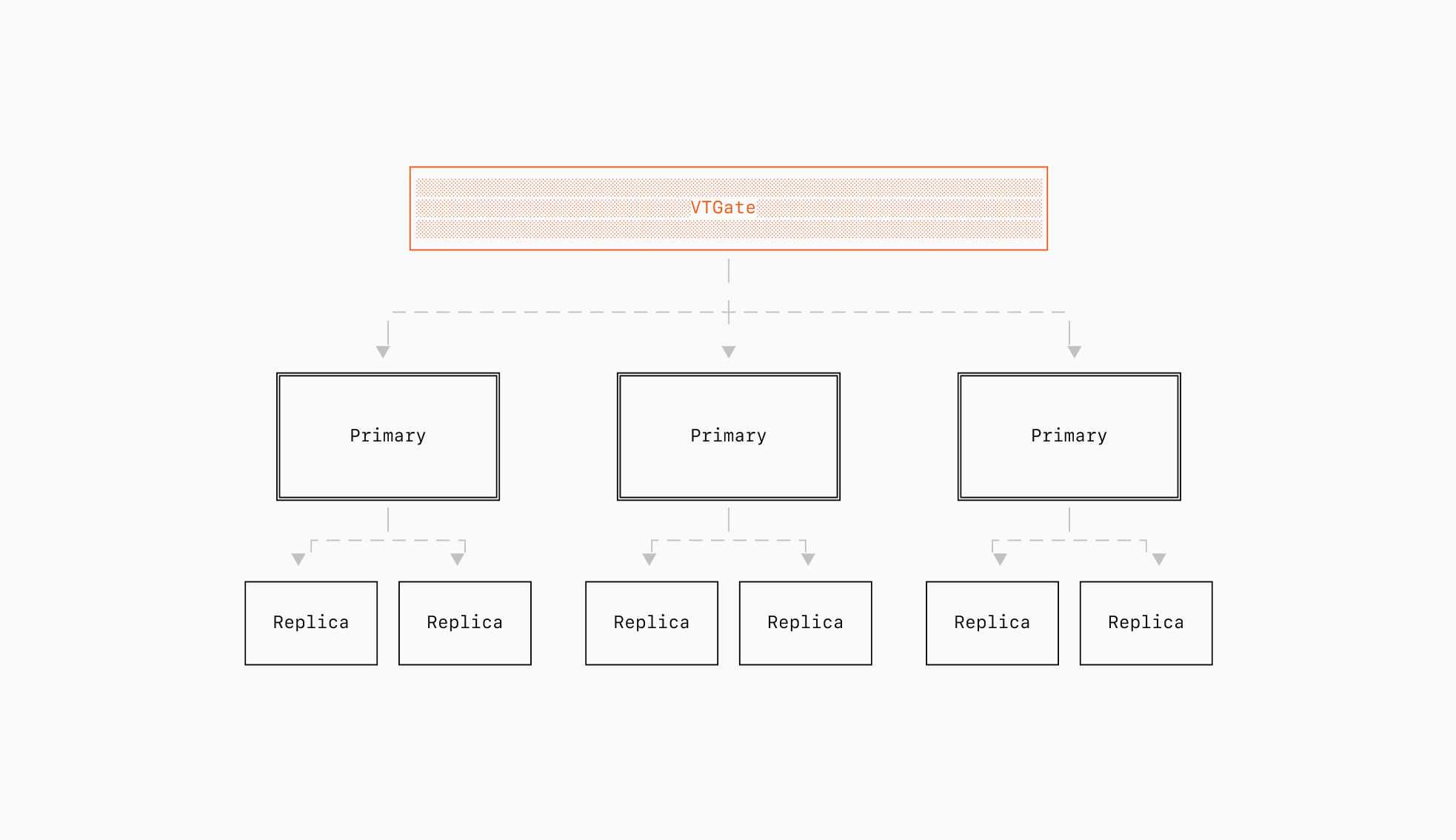 `zopio` aims to provide a robust, type-safe database client that makes it easy to work with your database while maintaining strong typing throughout your application. We aim to support tooling that:
* Provide a declarative way to define your database schema
* Generate type-safe database client
* Handle database migrations
* Offer powerful query capabilities with full TypeScript support
## Default Configuration
By default, `zopio` uses [Neon](https://neon.tech) as its database provider and [Prisma](https://prisma.io) as its ORM. However, you can easily switch to other providers if you'd prefer, for example:
* You can use other ORMs like [Drizzle](/migrations/database/drizzle), Kysely or any other type-safe ORM.
* You can use other database providers like [PlanetScale](/migrations/database/planetscale), [Prisma Postgres](/migrations/database/prisma-postgres), [Supabase](/migrations/database/supabase), [EdgeDB](/migrations/database/edgedb), or any other PostgreSQL/MySQL provider.
## Usage
Database and ORM configuration is located in `@repo/database`. You can import this package into any server-side component, like so:
```page.tsx {1,4} theme={"system"}
import { database } from '@repo/database';
const Page = async () => {
const users = await database.user.findMany();
// Do something with users!
}
```
## Schema Definition
The database schema is defined in `packages/database/prisma/schema.prisma`. This schema file uses Prisma's schema definition language to describe your database tables, relationships, and types.
### Adding a new model
Let's say we want to add a new model called `Post`, describing a blog post. The blog content will be in a JSON format, generated by a library like [Tiptap](https://tiptap.dev/). To do this, we would add the following to your schema:
```prisma packages/database/prisma/schema.prisma {1-7} theme={"system"}
model Post {
id String @id @default(cuid())
title String
content Json
createdAt DateTime @default(now())
updatedAt DateTime @updatedAt
}
```
### Deploying changes
To deploy your schema changes, run the following command:
```sh Terminal theme={"system"}
pnpm migrate
```
This runs the following commands:
* `npx prisma format` to format the schema file
* `npx prisma generate` to generate the Prisma client
* `npx prisma db push` to push the schema changes to the database
## Visual database editor
`zopio` includes a [visual database editor](/apps/studio) that allows you to view and edit your database records.
`zopio` aims to provide a robust, type-safe database client that makes it easy to work with your database while maintaining strong typing throughout your application. We aim to support tooling that:
* Provide a declarative way to define your database schema
* Generate type-safe database client
* Handle database migrations
* Offer powerful query capabilities with full TypeScript support
## Default Configuration
By default, `zopio` uses [Neon](https://neon.tech) as its database provider and [Prisma](https://prisma.io) as its ORM. However, you can easily switch to other providers if you'd prefer, for example:
* You can use other ORMs like [Drizzle](/migrations/database/drizzle), Kysely or any other type-safe ORM.
* You can use other database providers like [PlanetScale](/migrations/database/planetscale), [Prisma Postgres](/migrations/database/prisma-postgres), [Supabase](/migrations/database/supabase), [EdgeDB](/migrations/database/edgedb), or any other PostgreSQL/MySQL provider.
## Usage
Database and ORM configuration is located in `@repo/database`. You can import this package into any server-side component, like so:
```page.tsx {1,4} theme={"system"}
import { database } from '@repo/database';
const Page = async () => {
const users = await database.user.findMany();
// Do something with users!
}
```
## Schema Definition
The database schema is defined in `packages/database/prisma/schema.prisma`. This schema file uses Prisma's schema definition language to describe your database tables, relationships, and types.
### Adding a new model
Let's say we want to add a new model called `Post`, describing a blog post. The blog content will be in a JSON format, generated by a library like [Tiptap](https://tiptap.dev/). To do this, we would add the following to your schema:
```prisma packages/database/prisma/schema.prisma {1-7} theme={"system"}
model Post {
id String @id @default(cuid())
title String
content Json
createdAt DateTime @default(now())
updatedAt DateTime @updatedAt
}
```
### Deploying changes
To deploy your schema changes, run the following command:
```sh Terminal theme={"system"}
pnpm migrate
```
This runs the following commands:
* `npx prisma format` to format the schema file
* `npx prisma generate` to generate the Prisma client
* `npx prisma db push` to push the schema changes to the database
## Visual database editor
`zopio` includes a [visual database editor](/apps/studio) that allows you to view and edit your database records.