> ## Documentation Index
> Fetch the complete documentation index at: https://docs.zopio.dev/llms.txt
> Use this file to discover all available pages before exploring further.
# Authentication
> We use Clerk to handle authentication, user and organization management.
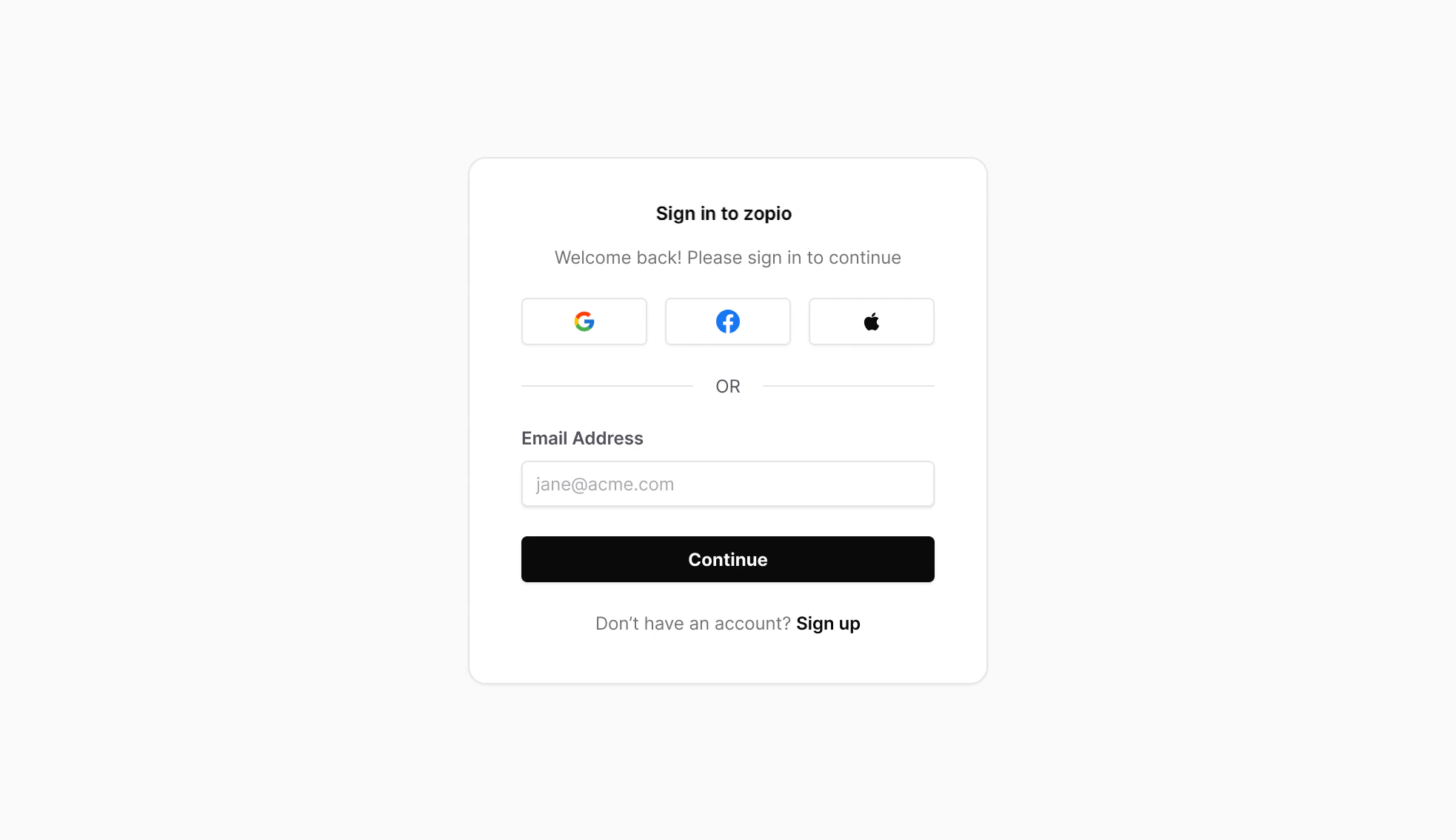 `zopio` manages authentication through the use of a `auth` package. By default, this package is a wrapper around [Clerk](https://clerk.com/) which provides a complete authentication and user management solution that integrates seamlessly with Next.js applications.
## In-App
The `@repo/auth` package exposes an `AuthProvider`, however you don't need to use this directly. The [`DesignSystemProvider`](/packages/design-system/provider) includes all relevant providers and higher-order components.
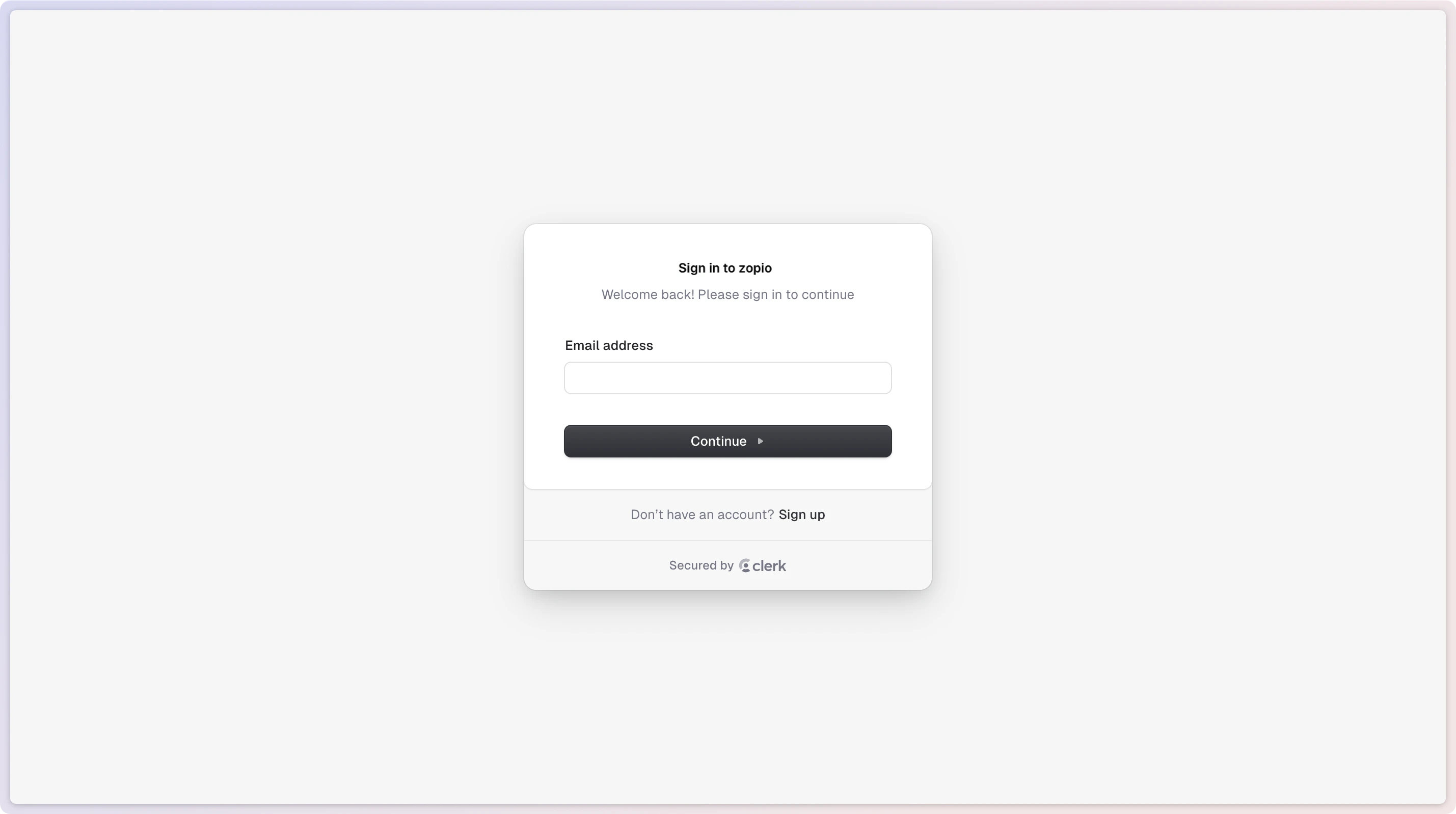
From here, you can use all the pre-built components and hooks provided by Clerk. To demonstrate this, we've added the `` and `` components to the sidebar, as well as built out the Sign In and Sign Up pages.
`zopio` manages authentication through the use of a `auth` package. By default, this package is a wrapper around [Clerk](https://clerk.com/) which provides a complete authentication and user management solution that integrates seamlessly with Next.js applications.
## In-App
The `@repo/auth` package exposes an `AuthProvider`, however you don't need to use this directly. The [`DesignSystemProvider`](/packages/design-system/provider) includes all relevant providers and higher-order components.
From here, you can use all the pre-built components and hooks provided by Clerk. To demonstrate this, we've added the `` and `` components to the sidebar, as well as built out the Sign In and Sign Up pages.
 ## Webhooks
Clerk uses webhooks to handle authentication events and you can send these to your application. Read more about [inbound authentication webhooks](/packages/webhooks/inbound#authentication-events).
## Email Templates
Clerk handles authentication and authorization emails automatically. You can configure the theming of Clerk-sent emails in their dashboard.
### Local Development
Currently there's no way to easily test Clerk webhooks locally, so you'll have to test them in a staging environment. This means deploying your app to a "production" state Vercel project with development environment variables e.g. `staging-api.example.com`. Then you can add this URL to your Clerk project's webhook settings.
## Webhooks
Clerk uses webhooks to handle authentication events and you can send these to your application. Read more about [inbound authentication webhooks](/packages/webhooks/inbound#authentication-events).
## Email Templates
Clerk handles authentication and authorization emails automatically. You can configure the theming of Clerk-sent emails in their dashboard.
### Local Development
Currently there's no way to easily test Clerk webhooks locally, so you'll have to test them in a staging environment. This means deploying your app to a "production" state Vercel project with development environment variables e.g. `staging-api.example.com`. Then you can add this URL to your Clerk project's webhook settings.