> ## Documentation Index
> Fetch the complete documentation index at: https://docs.zopio.dev/llms.txt
> Use this file to discover all available pages before exploring further.
# Web
> How the website application works in zopio.
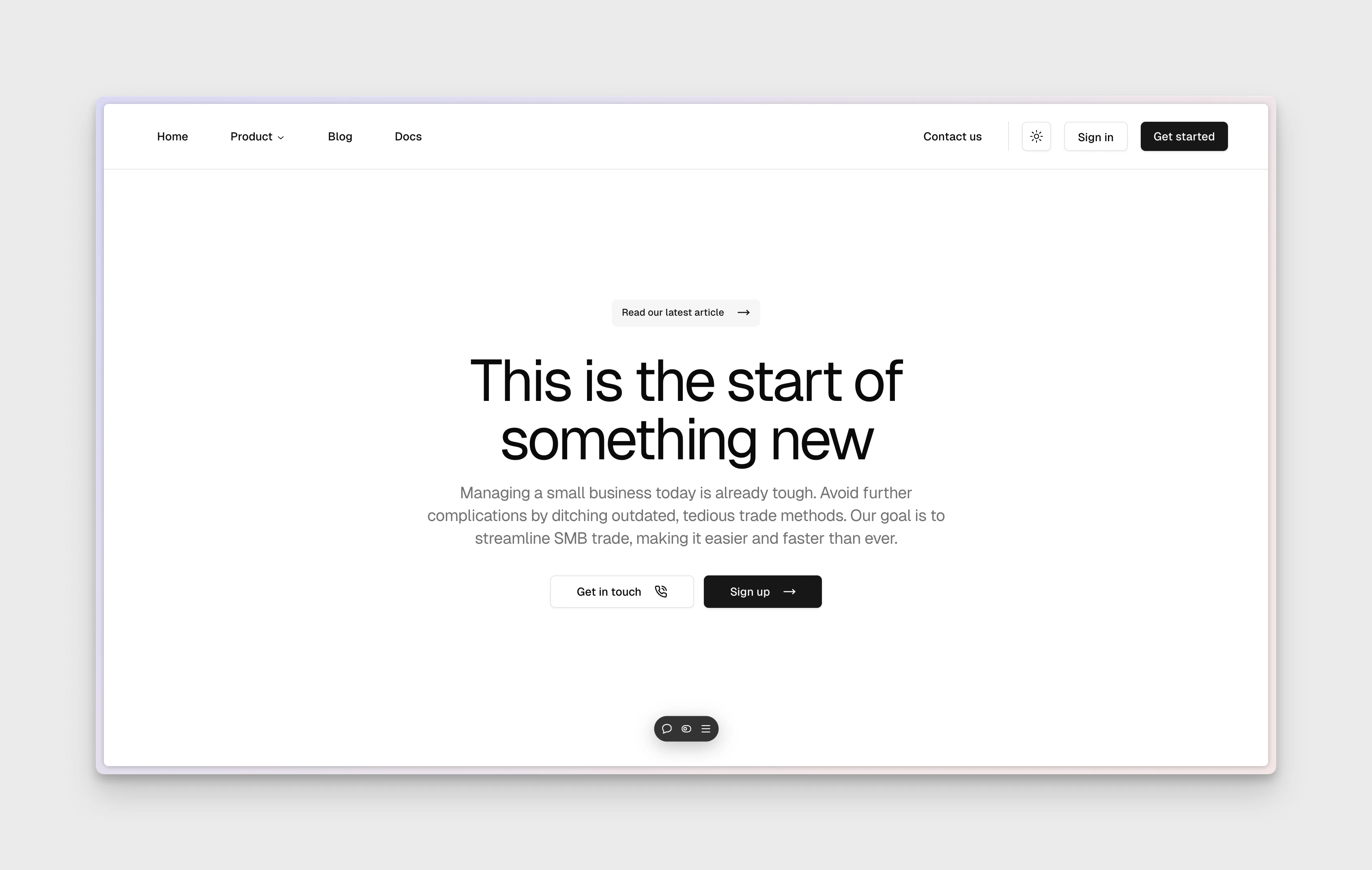 The `web` application runs on port 3001. We recommend deploying it to `www.{yourdomain}.com`.
`zopio` comes with a default website application, which is located in the `apps/web` folder.
## Overview
It's built on Next.js and Tailwind CSS, with some example pages scaffolded using [TWBlocks](https://www.twblocks.com/). It's designed for you to customize and extend to your needs, whether that means keeping the default pages or replacing them with your own.
## Features
* **Design System**: The app is connected to the [Design System](/packages/design-system) and includes a variety of components, hooks, and utilities to help you get started.
* **CMS**: The app is connected to the [CMS](/packages/cms) package to power your type-safe blog.
* **SEO**: The app is connected to the [SEO](/packages/seo) package which optimizes the site for search engines.
* **Analytics**: The app is connected to the [Analytics](/packages/analytics) package to track visitor behavior.
* **Observability**: The app is connected to the [Observability](/packages/observability/uptime) package to track errors and performance.
The `web` application runs on port 3001. We recommend deploying it to `www.{yourdomain}.com`.
`zopio` comes with a default website application, which is located in the `apps/web` folder.
## Overview
It's built on Next.js and Tailwind CSS, with some example pages scaffolded using [TWBlocks](https://www.twblocks.com/). It's designed for you to customize and extend to your needs, whether that means keeping the default pages or replacing them with your own.
## Features
* **Design System**: The app is connected to the [Design System](/packages/design-system) and includes a variety of components, hooks, and utilities to help you get started.
* **CMS**: The app is connected to the [CMS](/packages/cms) package to power your type-safe blog.
* **SEO**: The app is connected to the [SEO](/packages/seo) package which optimizes the site for search engines.
* **Analytics**: The app is connected to the [Analytics](/packages/analytics) package to track visitor behavior.
* **Observability**: The app is connected to the [Observability](/packages/observability/uptime) package to track errors and performance.