> ## Documentation Index
> Fetch the complete documentation index at: https://docs.zopio.dev/llms.txt
> Use this file to discover all available pages before exploring further.
# App
> How the main application works in `zopio`.
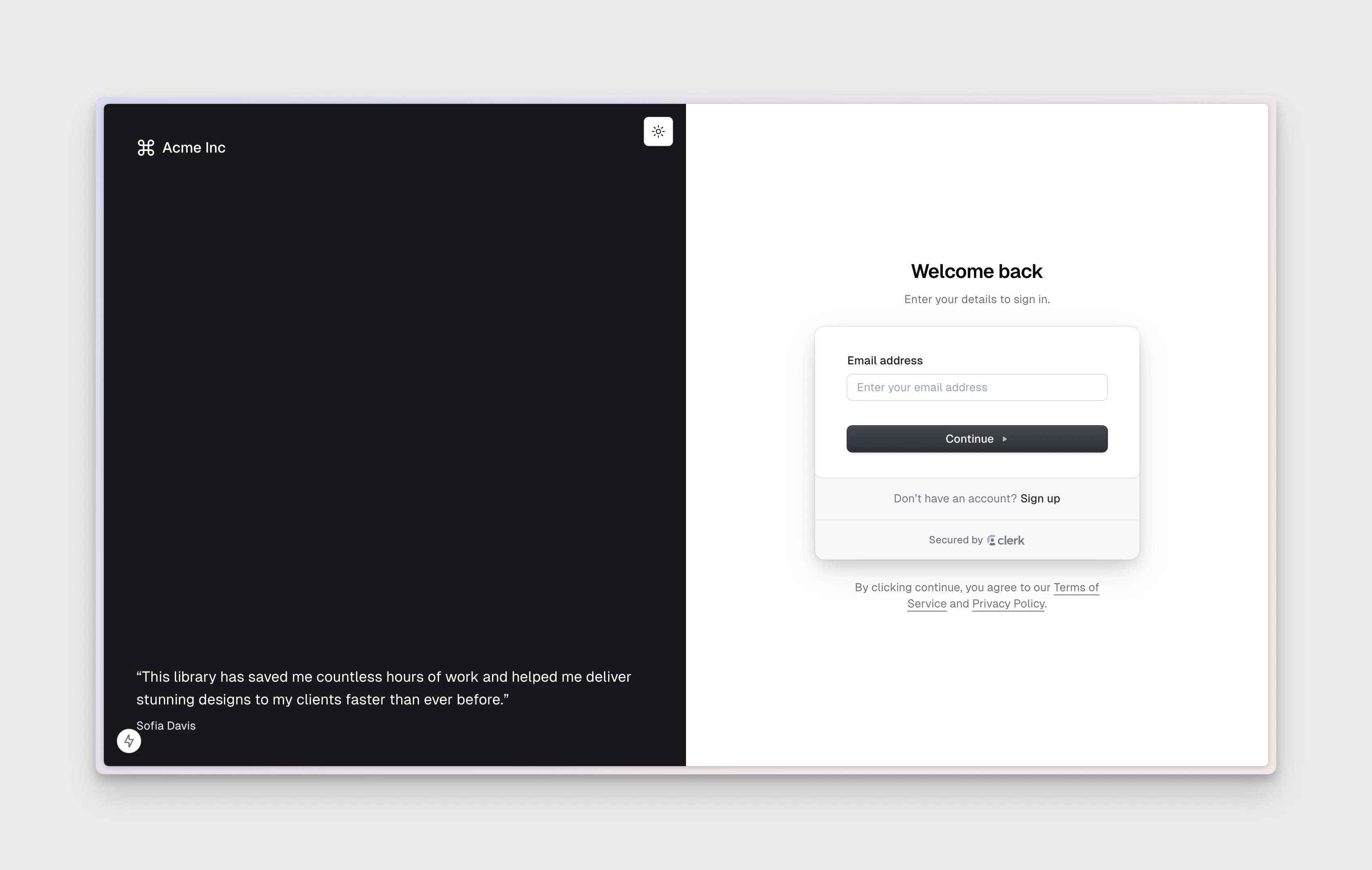 The `app` application runs on port 3000. We recommend deploying it to `app.{yourdomain}.com`.
`zopio` exports the main app from the `apps/app` directory. It is designed to be run on a subdomain of your choice, and is used to run the main user-facing application.
## Overview
The `app` application is the main user-facing application built on [Next.js](https://nextjs.org). It is designed to be a starting point for your own unique projects, containing all the core functionality you need.
## Features
* **Design System**: The app is connected to the [Design System](/packages/design-system) and includes a variety of components, hooks, and utilities to help you get started.
* **Authentication**: The app includes a fully-featured [Authentication System](/packages/authentication) with support for email login. You can easily extend it to support other providers and authentication methods. The app is also broken into authenticated and unauthenticated route groups.
* **Database**: The app is connected to the [Database](/packages/database) and can fetch data in React Server Components.
* **Collaboration**: The app is connected to the [Collaboration](/packages/collaboration) and contains Avatar Stack and Live Cursor components.
* **Auto-UI (Soon)**: The app will connected to the [View System](/packages/view) and will contains Crud UI components and View Builder components.
You can use any package from the [packages](/packages) directory in the `app` application with import them
The `app` application runs on port 3000. We recommend deploying it to `app.{yourdomain}.com`.
`zopio` exports the main app from the `apps/app` directory. It is designed to be run on a subdomain of your choice, and is used to run the main user-facing application.
## Overview
The `app` application is the main user-facing application built on [Next.js](https://nextjs.org). It is designed to be a starting point for your own unique projects, containing all the core functionality you need.
## Features
* **Design System**: The app is connected to the [Design System](/packages/design-system) and includes a variety of components, hooks, and utilities to help you get started.
* **Authentication**: The app includes a fully-featured [Authentication System](/packages/authentication) with support for email login. You can easily extend it to support other providers and authentication methods. The app is also broken into authenticated and unauthenticated route groups.
* **Database**: The app is connected to the [Database](/packages/database) and can fetch data in React Server Components.
* **Collaboration**: The app is connected to the [Collaboration](/packages/collaboration) and contains Avatar Stack and Live Cursor components.
* **Auto-UI (Soon)**: The app will connected to the [View System](/packages/view) and will contains Crud UI components and View Builder components.
You can use any package from the [packages](/packages) directory in the `app` application with import them